How to ask questions about my files?
Last updated October 19, 2026
Attach your file with the paperclip button and ask your question in the chat. The answer will show which pages it used, and you can tap to open them directly.
Steps
In the chat box, use the paperclip button to attach up to 30 files, each up to 25 MB.
Type your question about the file into the chat.
The answer will include small buttons with the page numbers it referenced.
Tap a page number to open the file directly to that page.
See it in the video
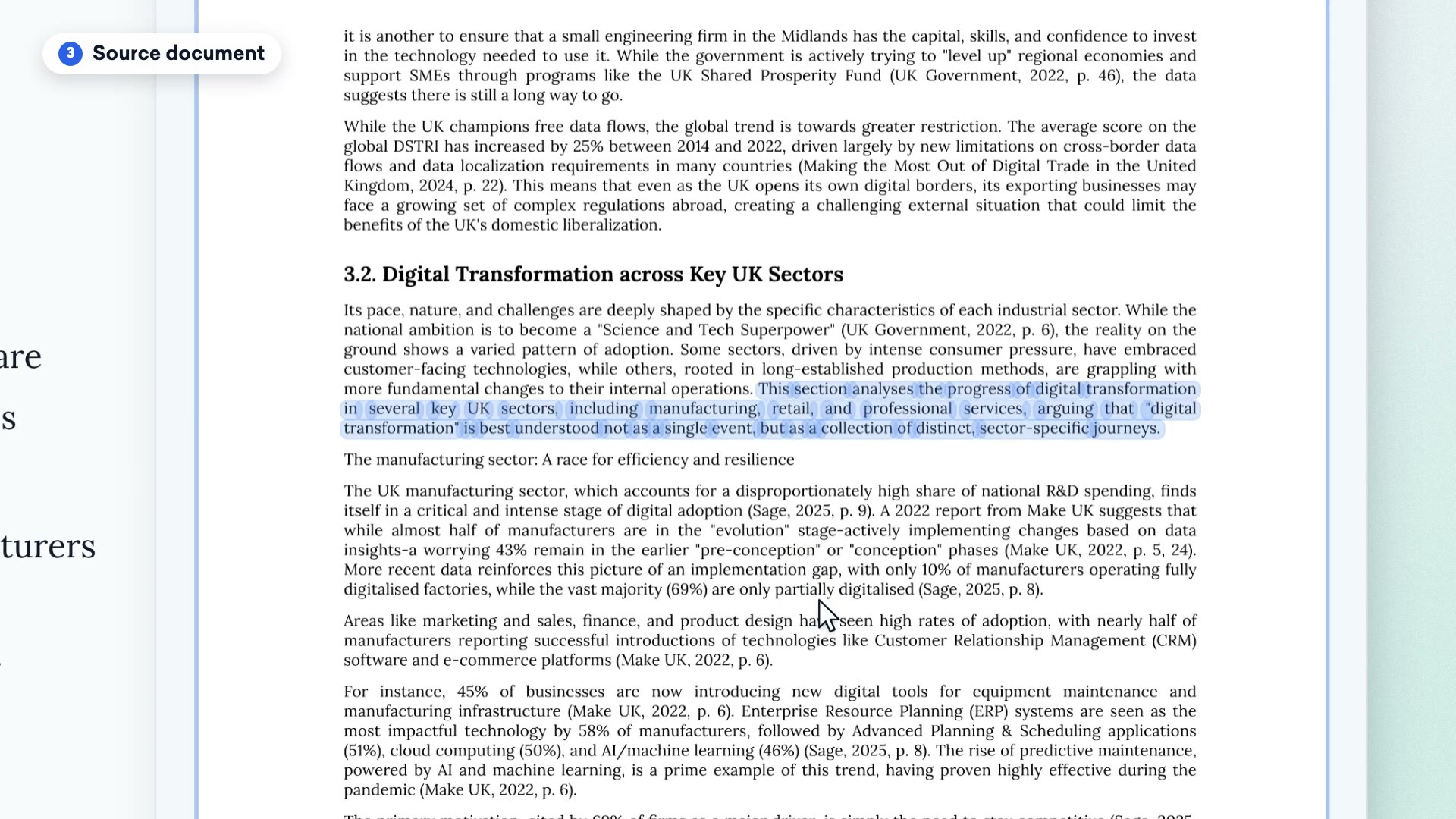
Clip from our video guide: “Uploading a PDF”
Watch the full videoWas this answer helpful?