How to create a quiz from my study material?
Last updated October 19, 2026
Upload your study material using the paperclip button and ask me to make a quiz. You'll answer the questions one by one in the chat and see your results at the end.
Steps
Attach your material with the paperclip button and ask in the chat for a quiz on it.
The quiz will start in the chat. Answer the questions one at a time.
After you finish, you'll see your score and can review any mistakes.
See it in the video
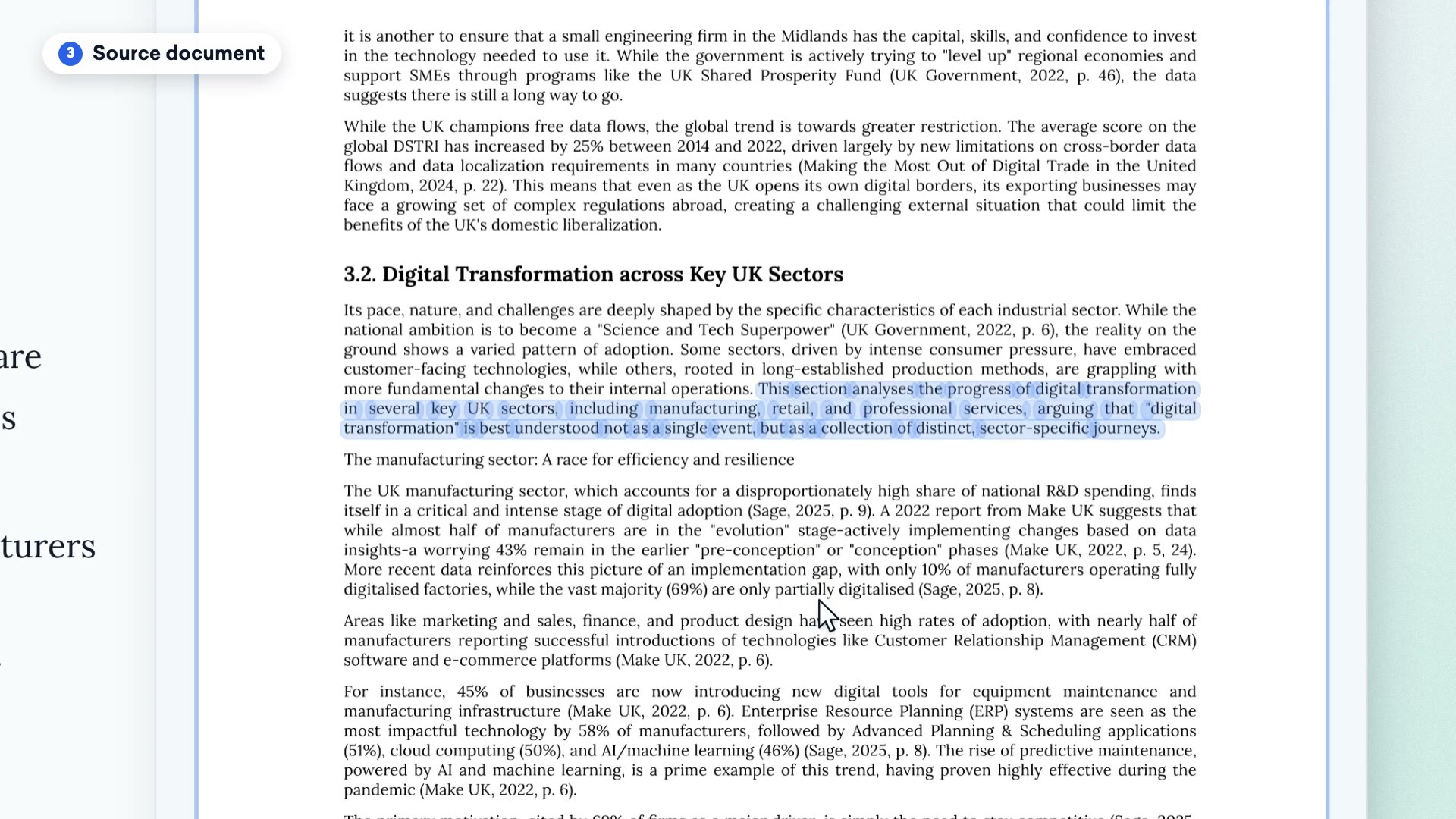
Clip from our video guide: “Creating a quiz”
Watch the full videoWas this answer helpful?