Study for an exam with a PDF
2:32 · 8 chapters
Upload any PDF to your workspace. Ask questions and get answers with precise page references, then click to jump directly to the source. When you're ready, create a quiz from the document to check your understanding.
Video transcript
0:00 · Introduction
Before an exam, you have a long lecture PDF. Watch how to ask questions, check sources, and test yourself.
0:09 · Uploading a PDF
Click the paperclip to attach your lecture PDF. Then ask a question in your own words, right in the chat box.
0:24 · Questions and answers
The answer is pulled straight from your document, not the wider internet. Every point ends with a small page number.
0:46 · Going to the source
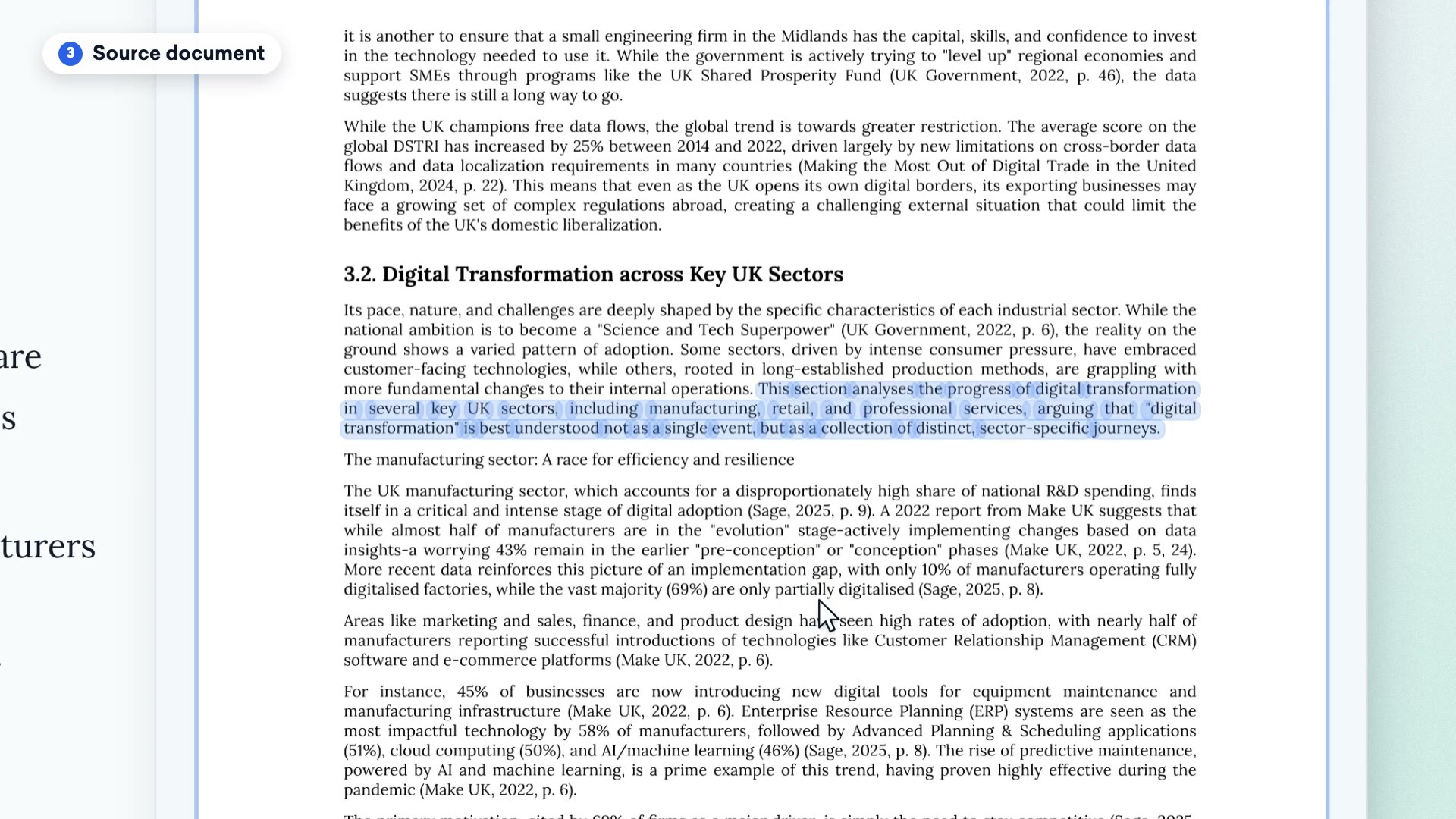
Click a page number, and the PDF opens beside the chat, right to that page, with the exact passage highlighted. Any other cited page is just one click away. You never have to just take its word for it.
1:01 · Creating a quiz
Next, you can ask for a quiz on the same material with just one quick message. This quiz took about five minutes to make and cost three credits.
1:26 · Taking the quiz
It pulled twenty questions from this PDF. You see one per screen, with numbered squares to jump around if you need to. The correct answers stay hidden until you submit. A quick review screen lets you check your progress.
2:02 · Results
The score here is nineteen out of twenty. A simple color bar shows right and wrong answers to highlight where you went wrong. Click a mistake to see your answer, the correct one, a short explanation, and the quote with its page number. You know exactly what to review.
2:22 · Conclusion
Upload your own lecture and try it for free. Just head over to referati.ai to get started.
Related articles
Still need help?
The support assistant answers instantly in chat, and our team reads every conversation. You can also email us for a personal reply.
The assistant answers in seconds. Our team can also step in to help.
A person will reply within one business day, usually sooner.