How do credits work?
Last updated October 19, 2026
Every task costs credits. You always see the price before starting, and credits are only spent after you confirm. Your credits never expire.
Steps
Before any work begins, the assistant shows a card with the cost. Credits are only spent when you press the confirmation button.
Your credit balance is the number with a sparkle icon at the top right of the screen.
If a task fails, the credits you spent are automatically returned to your balance.
See it in the video
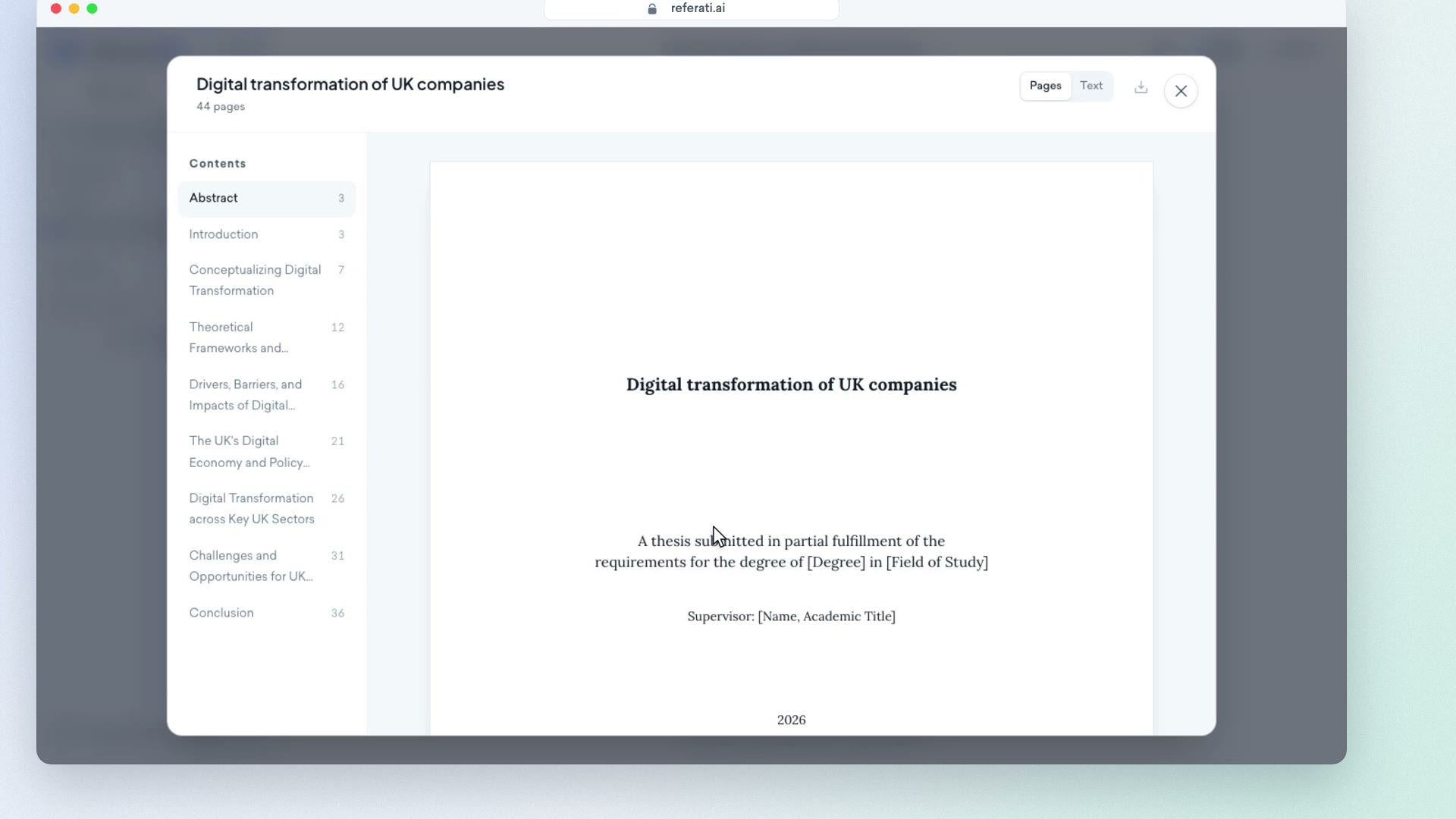
Clip from our video guide: “Outline”
Watch the full videoWas this answer helpful?