How to change an outline or other details?
Last updated October 19, 2026
Before you confirm, you can change details on the card or by asking in the chat. Once your draft is ready, you can request changes in the chat or from the reader.
Steps
Before confirming, tap on any detail on the card to change it.
You can also write what to change in the chat, and the assistant will prepare a new card.
Once the draft is ready, request changes in the chat or use the control next to a section in the reader.
See it in the video
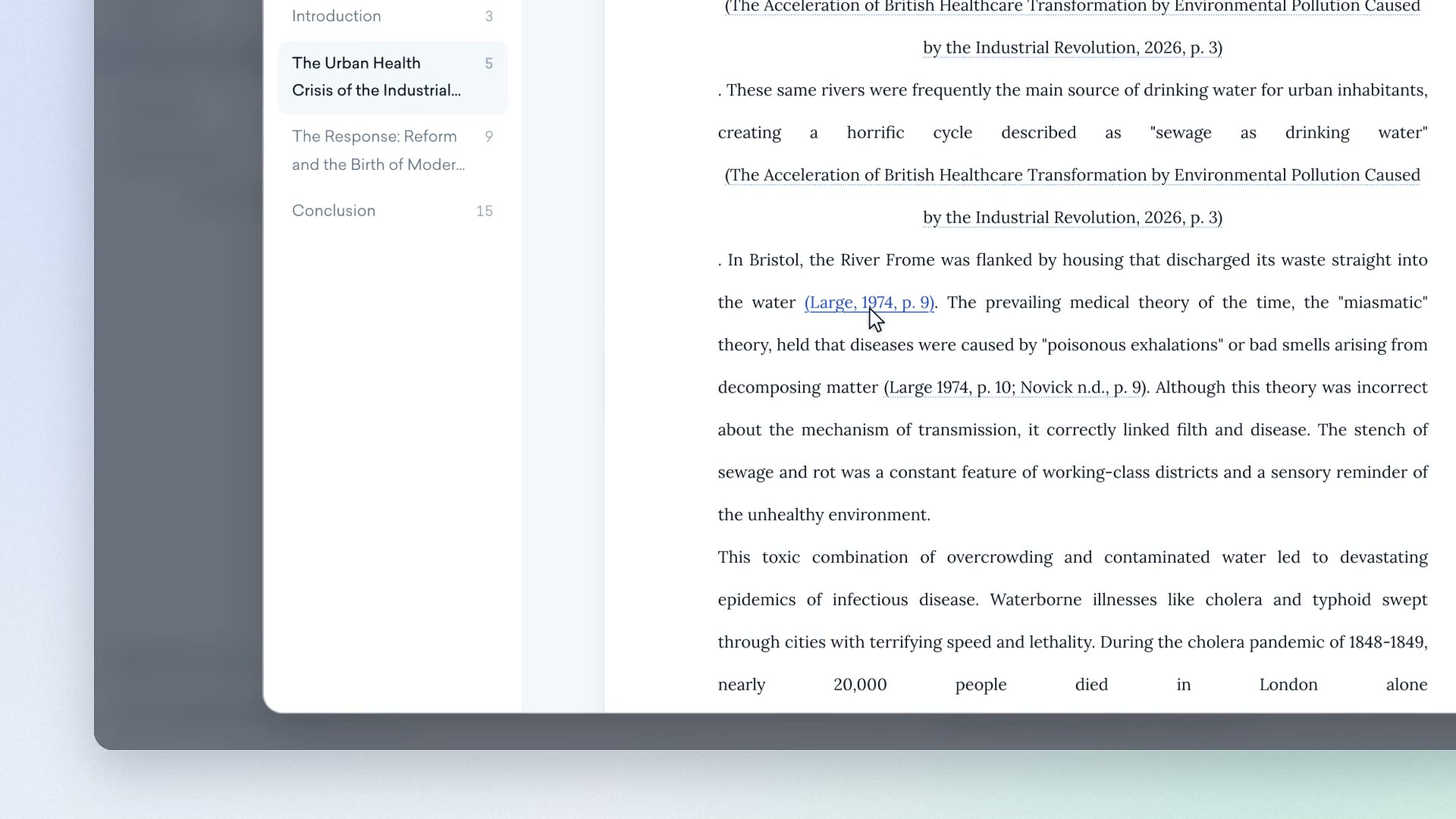
Clip from our video guide: “Outline and price”
Watch the full videoWas this answer helpful?