How do I write my first paper?
Last updated October 19, 2026
Sign in with Google, describe your assignment in the chat, and attach any requirements. You can then review the details, confirm the price, and get your file in the same chat.
Steps
To get started, sign in with your Google account.
In the chat, describe your task: its topic, type, length, and language. Use the paperclip button to attach your lecturer's instructions.
Answer any questions from the assistant, then check the details and price on the card. If a detail is incorrect, just tap it to make a change.
Press the blue button to begin. Your credits are only used after you confirm.
You'll get an email when it's ready, and the file will be waiting for you in the chat.
See it in the video
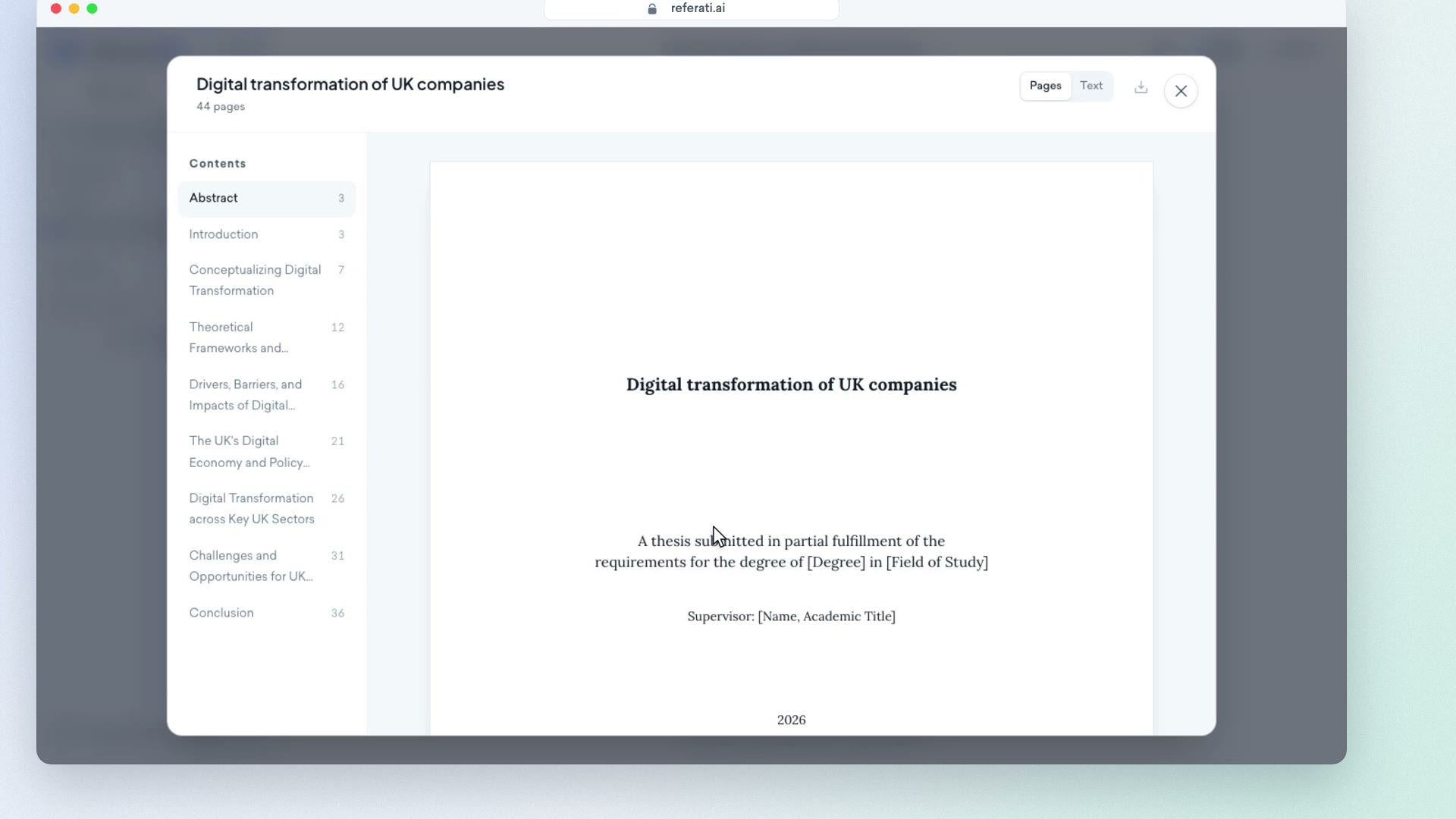
Clip from our video guide: “Your instructions”
Watch the full videoWas this answer helpful?