How to open or download my file?
Last updated October 19, 2026
Your finished work appears as a card in the chat. Tap the card to read it, or tap the download arrow to save the Word or PowerPoint file.
Steps
Find the file card in the chat where you requested the work.
Tap the card to open the work in the reader.
Tap the download arrow on the right side of the card to save the Word or PowerPoint file.
See it in the video
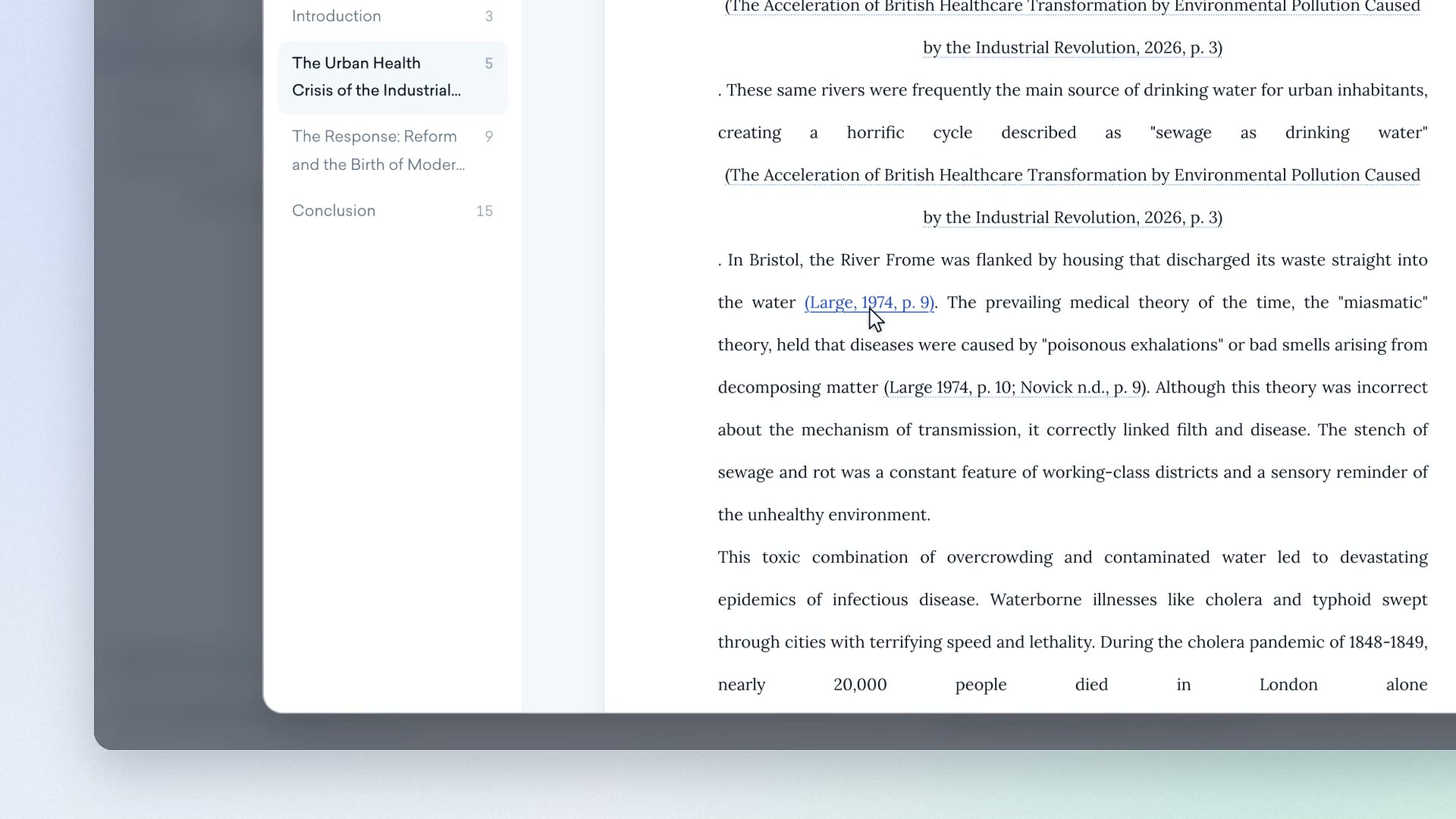
Clip from our video guide: “Downloading the file”
Watch the full videoWas this answer helpful?