How to order a presentation?
Last updated October 19, 2026
Describe your presentation in the chat and confirm the plan. The finished slide deck will appear in the same chat as a file card.
Steps
Describe your presentation in the chat. Include its topic, number of slides, and language, and attach any materials with the paperclip button.
Check the plan and price on the card, then confirm it to start.
The card shows the progress while your presentation is prepared.
Tap the card to open the presentation, or tap the download arrow to save the PowerPoint file.
See it in the video
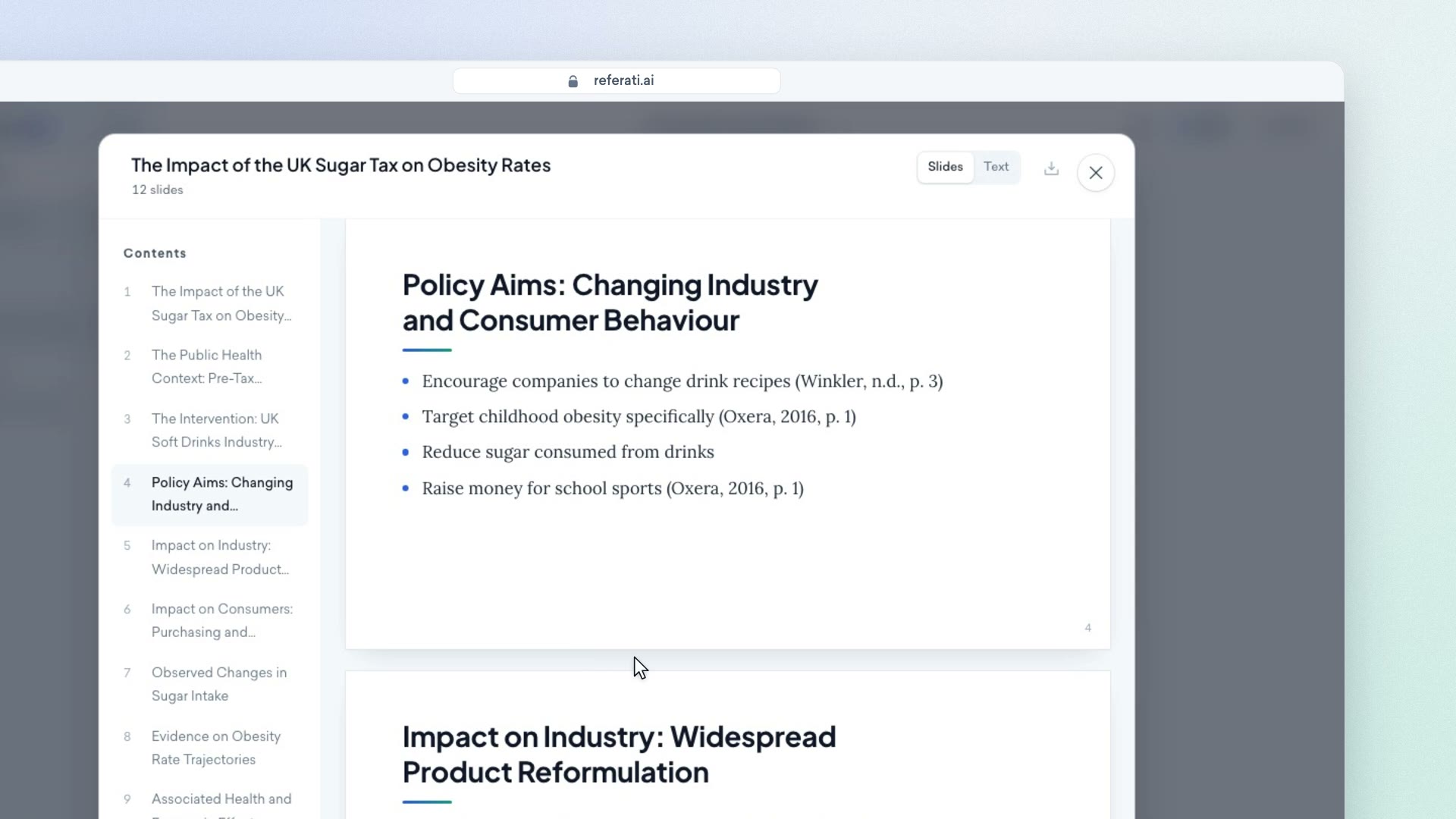
Clip from our video guide: “Describing the topic”
Watch the full videoWas this answer helpful?