How to create a presentation
2:12 · 7 chapters
This video shows how to create a presentation with Referati AI. Describe your topic and approve the slide plan and price. The AI then builds your slides, which you can review and download as a PowerPoint file.
Video transcript
0:00 · Introduction
A seminar presentation usually takes all evening. Watch Referati AI turn a single message into a sourced PowerPoint file.
0:11 · Describing the topic
You just type the topic into the chat in your own words. There are no forms or templates to fill out.
0:27 · Plan and price
Referati first asks how many slides you need. You see the price for each option right away. Here we pick twelve. Then the plan card shows the language, tone, and citation style. You can change any of these with a click. We switch to APA style. The card updates instantly, and the price stays the same. Nothing starts until you confirm. If the task fails, you get your credits back automatically.
1:08 · Building the slides
It searches for sources, processes them, and builds the slides. This deck took about nine minutes. You can even close the tab and come back later.
1:20 · The slide deck
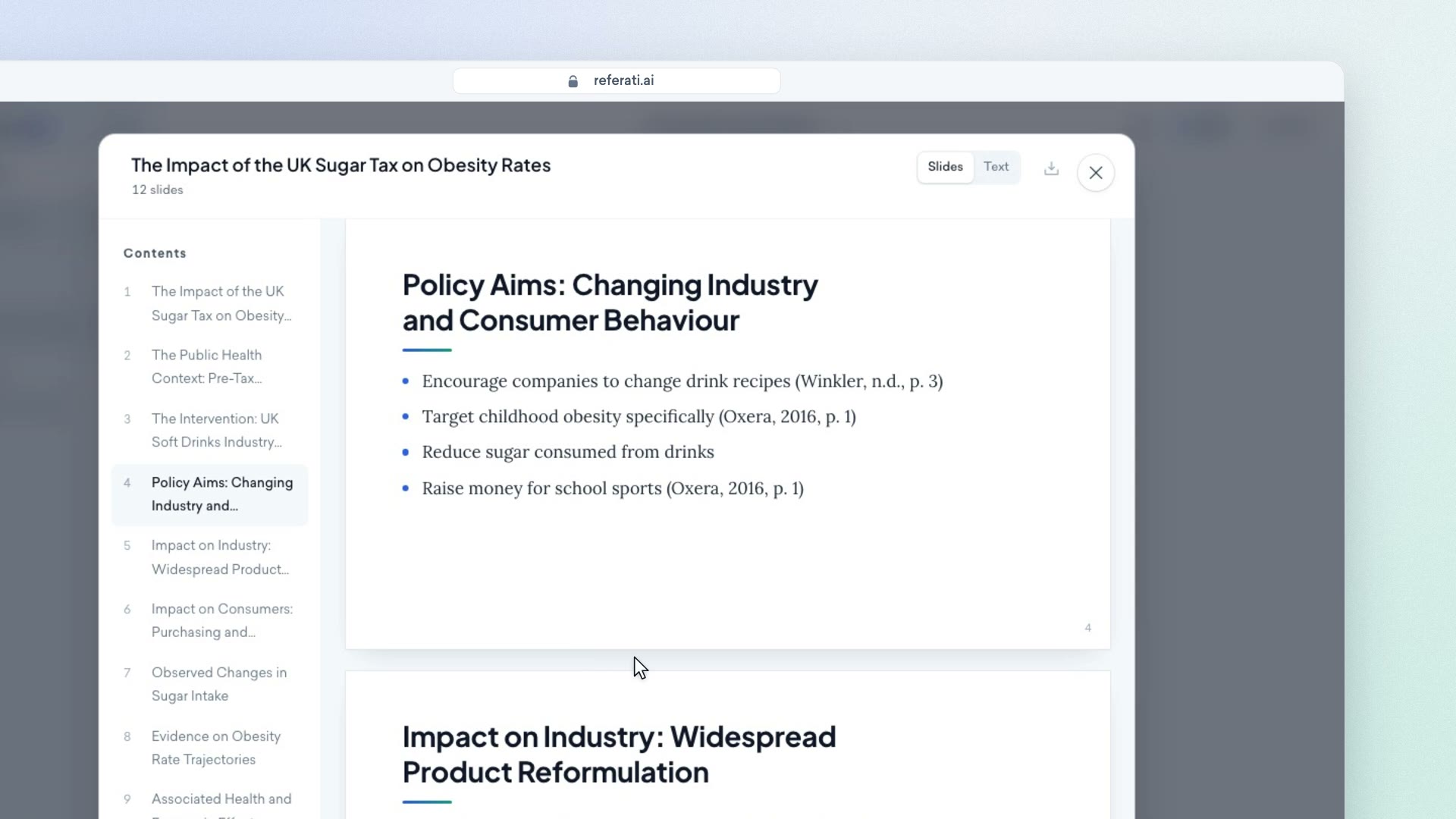
The finished deck opens right in the chat. You see the slide list on the left and a large preview in the middle. You can read through it before downloading. The content slides include real data and author-year citations. Sources include a medical association and economic reports. The bibliography is on the last slide. You get five real sources,
1:50 · Downloading the file
and each has a link so you can check it. One click and the PowerPoint file is on your computer, ready for you to edit.
2:03 · Conclusion
You can start for free with just one message. Head over to Referati dot AI to try it.
Related articles
Still need help?
The support assistant answers instantly in chat, and our team reads every conversation. You can also email us for a personal reply.
The assistant answers in seconds. Our team can also step in to help.
A person will reply within one business day, usually sooner.